
How it works
From download to first booking in under a minute
No account, no setup wizard. Open the app, add your services and start booking.
How it works
Up and running before your next client
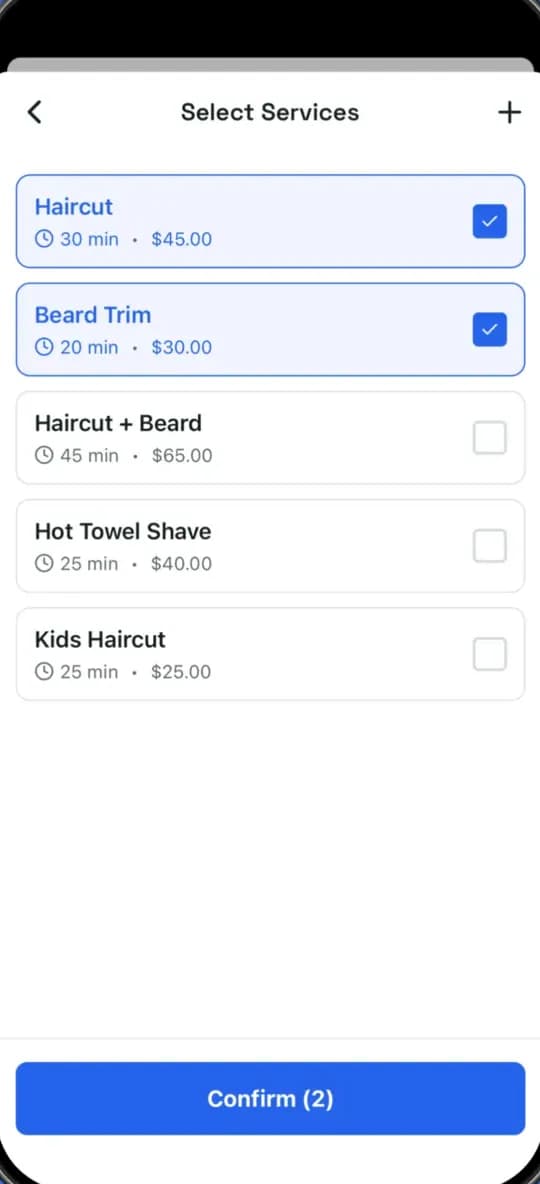
Add your services
Type your price list once: name, price and how long each service takes.
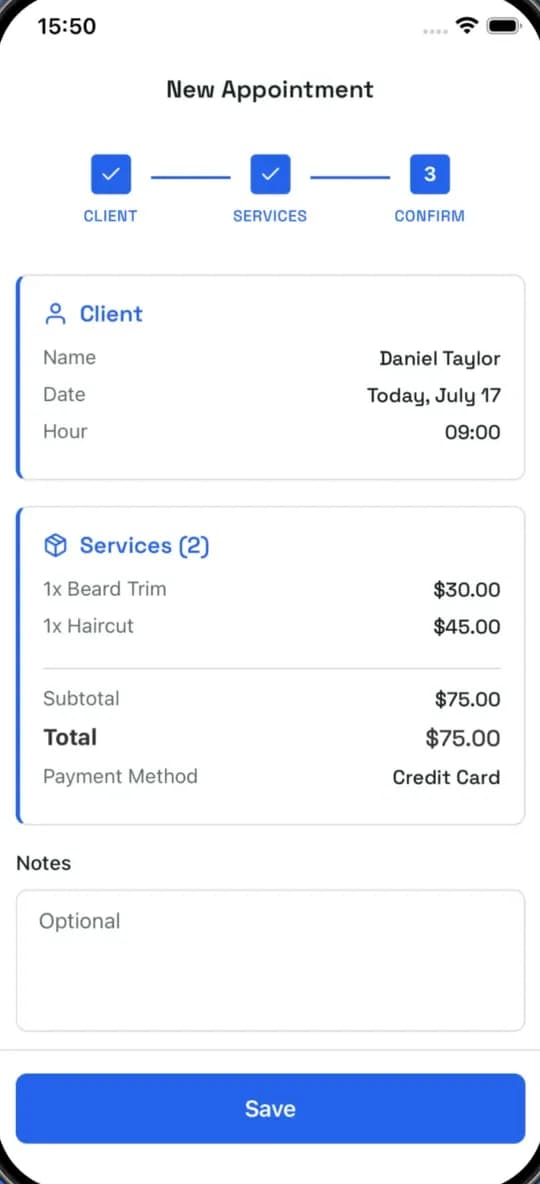
Book the appointment
Choose the client, the services and the time. The total and the end time are calculated for you.
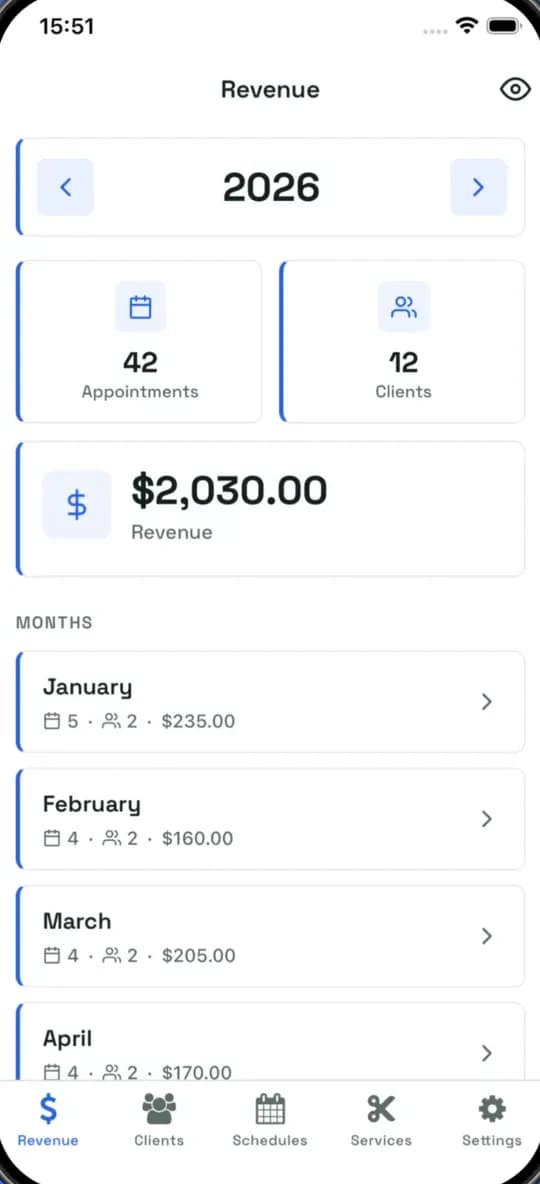
Follow your revenue
Each finished appointment feeds your monthly and yearly reports automatically.
1. Create your price list
Add each service with its price and duration. You can change it at any time.
- Haircut, beard, combos
- Price and duration
- Up to 5 services for free
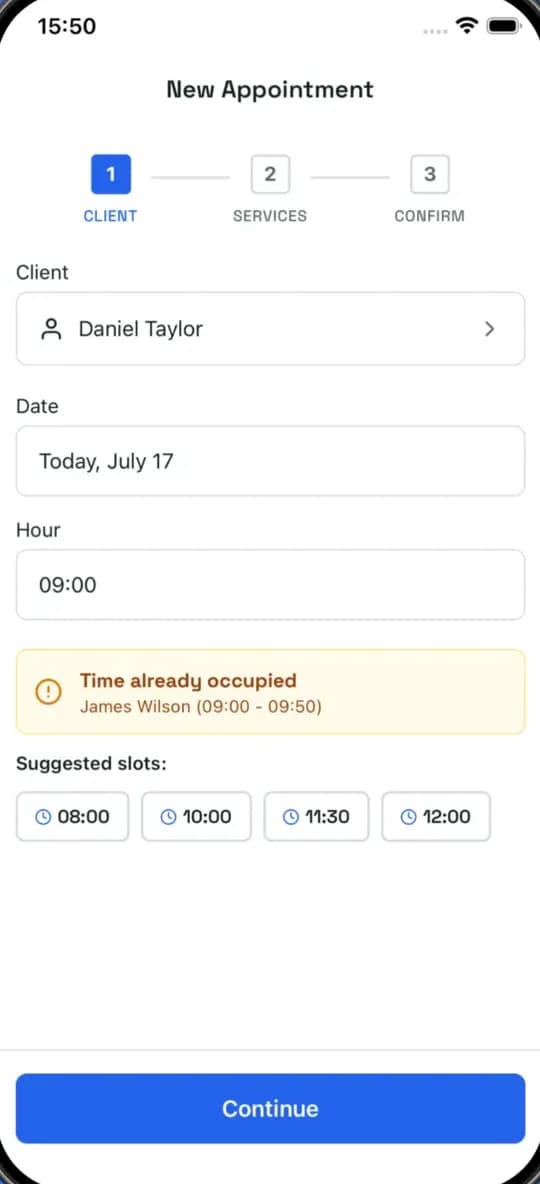
2. Book your clients
Pick the client — or create one on the spot — choose the services and the time.
- Conflict warning
- Suggested free slots
- Reminder before the appointment
3. Watch the numbers grow
Each appointment adds to your monthly and yearly reports automatically.
- Revenue per month
- Appointments and clients
- Best-selling services
Getting started
Ready for your next client?
Download Barberky for free and book your first appointment in under a minute.
Scan with your phone camera